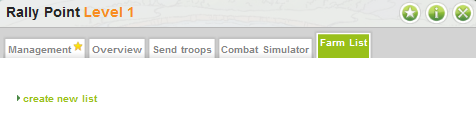
You can use the farm list to make your raiding quicker and more easily accessible. To gain access to this feature, you need to be a Goldclub member. Unlocking the Goldclub is only charged once, and you will get unlimited free farm slots in the farm list as soon as you have activated the Goldclub. To set up your farm list, you first need to access it. The farm list can be accessed from your village's rally point; click on the rally point, and choose the farm list tab.
You will notice the available link there. Click on it (create new list) to set up the farm slots.
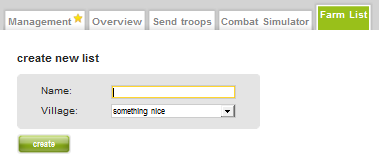
Now you have started your list but you have not yet added any slots, so you've not yet actually finished the process. You need to set the slots/targets for your list.
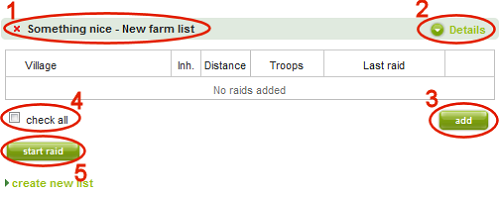
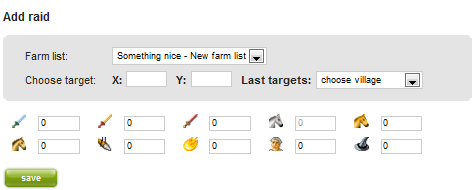
The troops depicted here are Roman troops, but the layout is basically the same for all other Tribes.
You can set your target by its coordinates, or alternatively, the system will display your last known raids targeted and maid from the village you have created the farm list for.
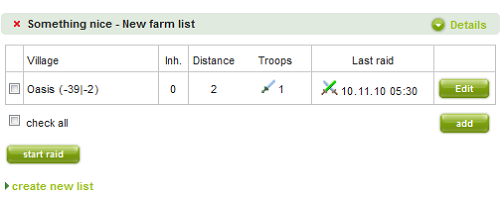
Voila, you're done! You can always edit the predefined raids/troop numbers you've made later, if you need to do so. If you have attacked a target added to your farm list it will look like this afterwards: