You can open your preferences by clicking on the "preferences" button in the right upper corner:
Your preferences page with the "game", "account" and "sitter" tabs opens.
With this report filter you can choose which reports should not be created in your report box any more.
Here you can select event to be shown in the alliance infobox which appears below the alliance name.
With auto completion you can type in the first few letters of your village name and the system will display names that match those letters (it is case sensitive so mind capital letters!).
Here you can define how many reports, messages and troop movements you want to get displayed per page.
With the time preferences you can adjust your time zone (please always think about that some countries have and some countries have not daylight setting time, therefore it may be necessary to adjust your time zone by 1 hour) and format of displaying dates (EU, UK, US or ISO).
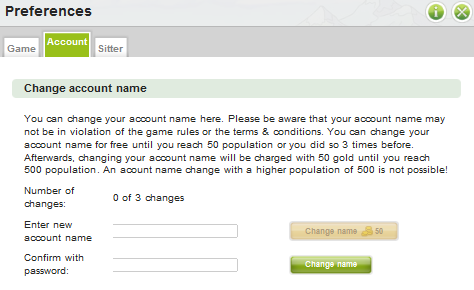
You can change your account name here. Please be aware that your account name may not be in violation of the game rules or the terms & conditions. You can change your account name for free until you reach 50 population or you did so 3 times before. Afterwards, changing your account name will be charged with 50 gold until you reach 500 population. An account name change with a higher population of 500 is not possible!
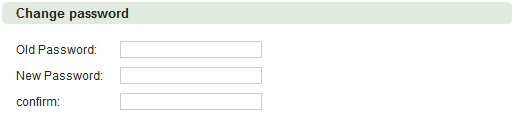
You can change your password by entering both your old password and your desired new password.
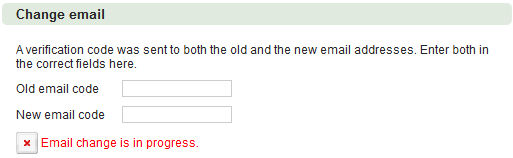
You can change your email by entering both your old email and your desired new email.
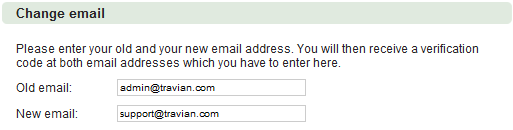
You will then receive a verification code at both email addresses which you have to enter in the respective fields in order to complete the change. If you want to cancel the progress, click the red X.
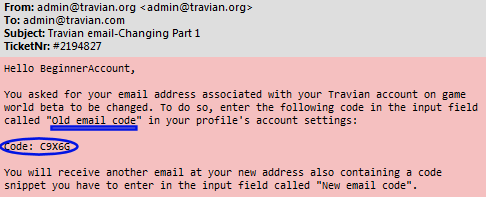
Now you will receive two emails. One to your old email address including a code:
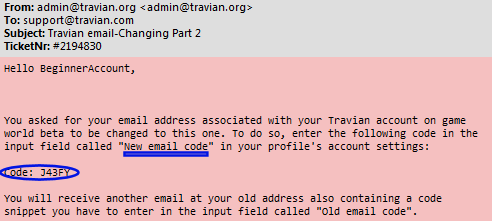
And one to your new email address including a code:
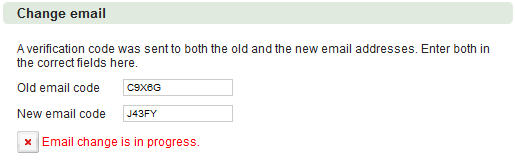
Now you have to sign in the codes you received in the two emails mentioned above at the same time and press save on the bottom of the page:
If the changing was successful the following message will appear:

When transferring ownership of an account, it is recommended you change the email.
If you wish to delete your account, you must select the "Yes" option, as well as enter your password to confirm. A 72 hour countdown will begin. Please be aware that a deleted account cannot be restored.
Here you can subscribe or unsubscribe to our newsletter.
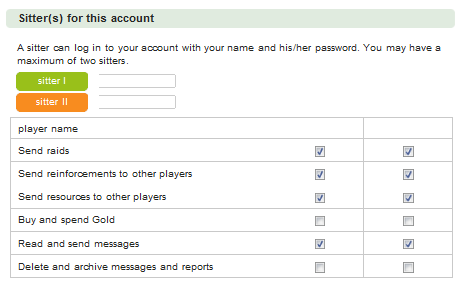
Here you can set up to two other accounts who can log on to your account in order to cover periods of absence. You can also see which accounts have set you as their sitter.
In order to give you some control about the actions of your sitters the following sitter right settings were implemented:
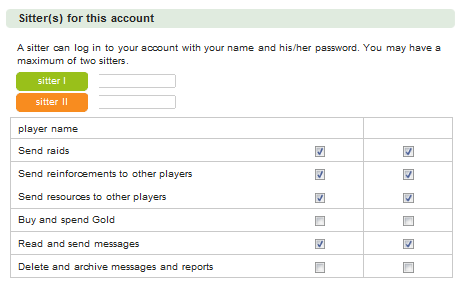
Sitters are NEVER able to do the following things:
You are set as the sitter for the accounts named here. You can remove yourself as sitter by clicking on the  .
.
Furthermore you are able to see which rights you have on the accounts you sit for.